


Sound familiar?
The three problems every part-time creator knows too well.
You have a job.
Recording is fun. Editing at 23:00 isn't. One video devours your whole evening - and you still have to be up for work tomorrow.
Raw footage is unwatchable.
Silence, misclicks, loading screens, "uhh what was I saying?" Nobody wants to watch 60 minutes of dead time. Not even your dog.
The tools are overkill.
You opened Premiere once and aged three years. You want results, not a masterclass in keyframes.
How Shortcut works
No timeline. No giant toolbox. Just results.
Drop your recording.
Upload a file, pick your intro/outro and basic settings - or just copy from your last project. Done in 30 seconds.
Watch it edit itself.
See new cuts and shorts pop into the timeline every few seconds. Titles, descriptions, and tags appear automatically. You just watch the progress bar climb.
One click to publish-ready.
Tweak subtitles, zoom, or intro/outro if you want - or enable auto-render and let it finish while you do something else.
Join the creators who stopped editing at midnight
See Shortcut at work
From raw capture to polished videos, shorts, and smart metadata - all in one flow.
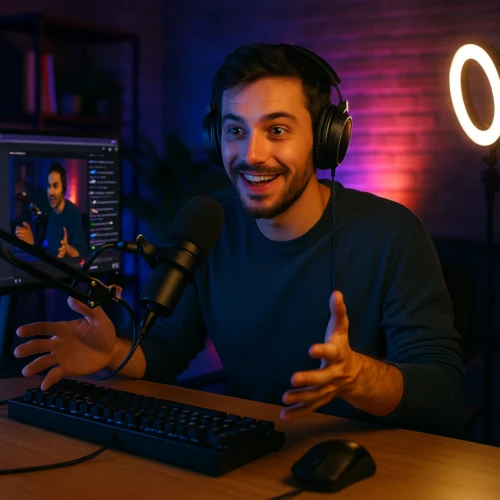
One Recording in → One Video + 3 Shorts + Meta
Landscape capture processed into a clean cut and three shorts
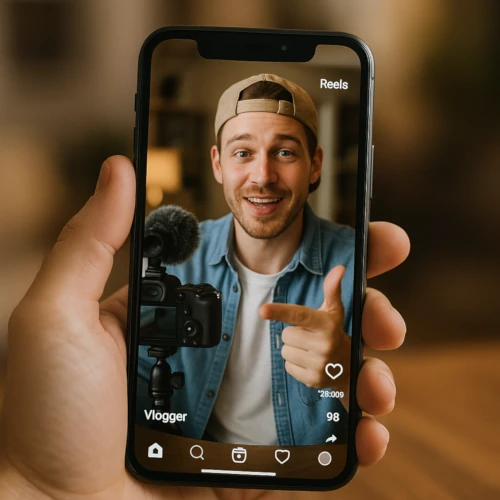
One Portrait VLOG in → One Portrait VLOG out + Meta
Phone vlog cleaned up for vertical publishing
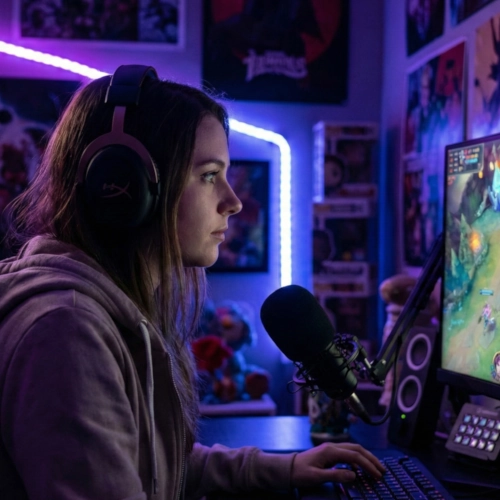
One Gaming Video in → One Video out + Shorts + Meta
Long session into highlights + a clean long-form upload
One already cut video in → 8 Shorts out
Repurpose your edited upload into snackable clips
What you actually get
Outcomes, not feature lists.
Turn one recording into a week of content.
One hour of talking becomes one main video plus a stack of shorts you can drip out across the week. Your job pays the bills; Shortcut pays in output.
Spend your energy on ideas, not timelines.
Shortcut handles silence cuts, captions, shorts, and structure. You handle "what should I talk about next?" and the creative stuff that actually matters.
Stay consistent without becoming a full-time editor.
After work and family, you still have a channel that moves. One evening of recording equals a week of content. Consistency becomes normal, not heroic.
See Shortcut in action
Watch 40 minutes of raw footage become a polished video in under 10 minutes.

Do the math
See what you're really spending on editing.
At 8 videos/month, you're choosing between 24 hours of editing, €400/month for an editor, or €50/month for Shortcut.
That's 23 hours back in your life every month.
Who is Shortcut for?
What it can do for you.

What you get as a Streamer
- Reclaim your evenings from VOD editing - Shortcut turns streams into uploads automatically
- Kill dead air and awkward pauses so viewers actually stay
- Get clips of your best moments without scrubbing through hours of footage
- Publish faster and grow your audience between streams
- Spend stream prep time on content, not cutting last week's VOD
Your first Creator subscription comes with a free mug.
First-time Creator subscribers get a free Web2Labs mug shipped straight to their door. Pick your favorite design after your first successful render.
- Premium quality ceramic mug
- Free worldwide shipping
- Choose from multiple designs

Try it. Love it. Or get your money back.
We're confident you'll see the value. That's why we make it risk-free.
No Credit Card for Free
Test Shortcut with real projects. No credit card required. No tricks.
Free tier30-Day Zero-Risk Guarantee
Not happy? One-click refund in your account. No questions, no awkward emails.
Paid tiersYour Content Stays Yours
We never use your videos for training. Delete a project and it's gone.
All tiersPick your pace
Every tier gives you the full autopilot. Choose based on who you are and how much you ship.
Free
Just checking if this is real.
- check_circle Up to 5 cuts/mo
- cancel Exports Watermark Free
- check_circle Adding Jump Cuts
- check_circle Removing Silence
- check_circle Video Details Creation
- check_circle Shorts Generation (3/video)
- check_circle AI captions/subtitles
- check_circle HD Export (1080p)
- check_circle Input (max. 30min)
- cancel Priority support
- cancel Priority Feature Requests
- check_circle Max per-project input length: 30m
Starter
Weekly creator with a job.
- check_circle Up to 25 cuts/mo
- check_circle Watermark Free
- check_circle Adding Jump Cuts
- check_circle Removing Silence
- check_circle Video Details Creation
- check_circle Shorts Generation (3/video)
- check_circle AI captions/subtitles
- check_circle HD Export (1080p)
- check_circle Input (max. 120min)
- cancel Priority support
- cancel Priority Feature Requests
- check_circle Max per-project input length: 2h
Creator
I'm taking this seriously now.
- check_circle Unlimited cuts/mo*
- check_circle Watermark Free
- check_circle Adding Jump Cuts
- check_circle Removing Silence
- check_circle Video Details Creation
- check_circle Shorts Generation (3/video)
- check_circle AI captions/subtitles
- check_circle HD Export (1080p)
- check_circle Input (max. 360min)
- check_circle Priority support
- cancel Priority Feature Requests
- check_circle Max per-project input length: 6h

Legend
This is my career.
- check_circle Unlimited cuts/mo*
- check_circle Watermark Free
- check_circle Adding Jump Cuts
- check_circle Removing Silence
- check_circle Video Details Creation
- check_circle Shorts Generation (3/video)
- check_circle AI captions/subtitles
- check_circle HD Export (1080p)
- check_circle Input (max. 360min)
- check_circle Priority support
- check_circle Priority Feature Requests
- check_circle Max per-project input length: 6h
About Us
We are a small team building unfair advantages for small creators
Web2Labs - a small team building unfair advantages for small creators
We ship AI tools that reduce edit time from hours to minutes, keep your workflow simple, and evolve in public with frequent patch drops.
Publish faster: Auto-cuts, subtitles, and smart defaults that get you to "export" in minutes.
Creator-first: Transparent pricing, fair-use limits, and a friendly refund policy.
We ship in seasons: Follow the roadmap and changelog for DLC-style feature drops.
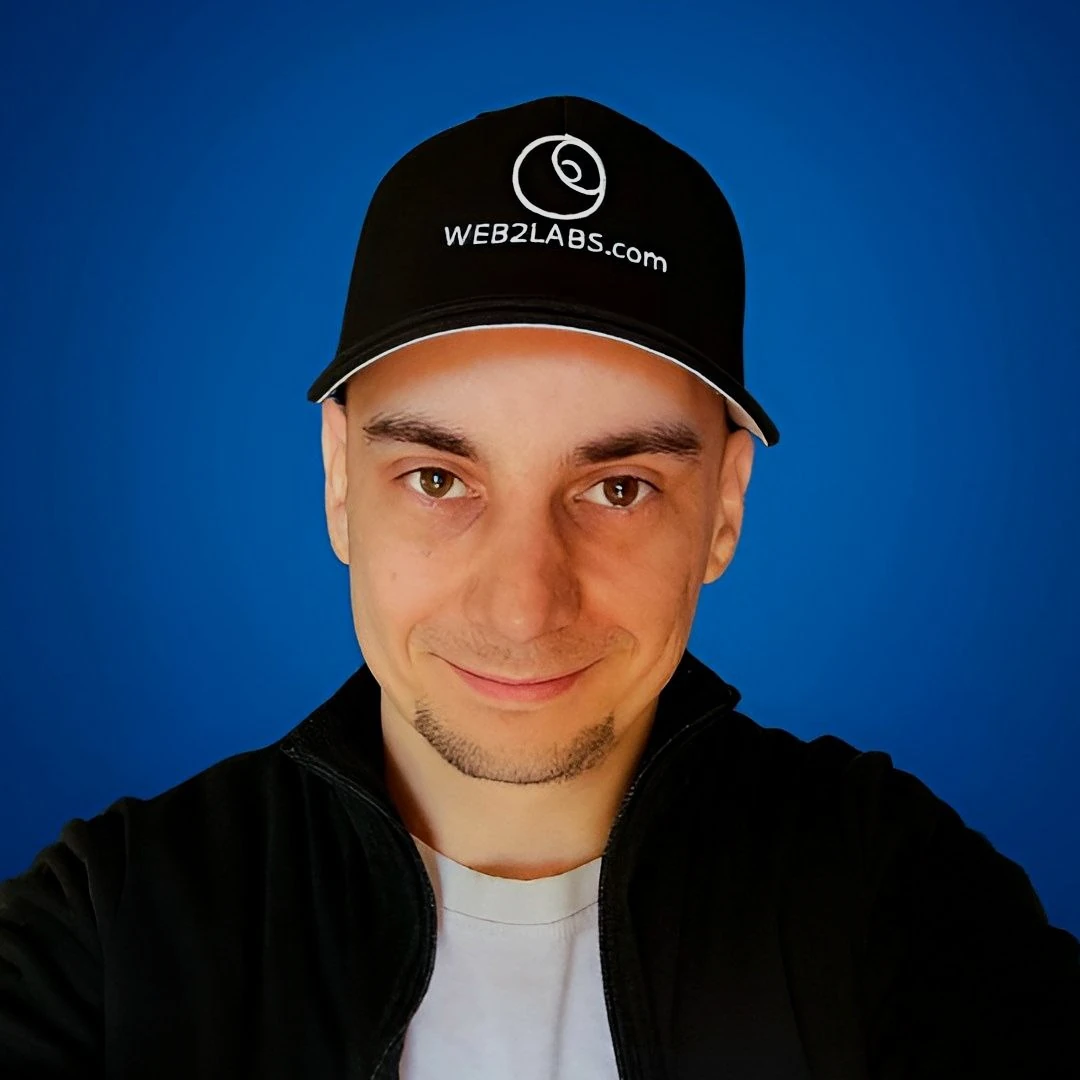
Philipp
Shortcut started as a personal tool to stop wasting evenings on cuts. Now it helps small channels publish more, with fewer clicks and less chaos.
Started as a frustrated creator, spending more time editing than creating
Built the first version of Shortcut for my own gaming channel
Now helping thousands of creators reclaim their time
Frequently Asked Questions
Got questions? We've got answers
Record this weekend.
See what you could be posting next week.
Upload your first video. Watch Shortcut do the hard part. No credit card required.
Built for gaming, vlogs, and talking-head channels that need more volume, not more timelines.